

High Tech? Low Tech? No Tech?
Virtual Field Trips!

How can they enhance accessibility?
- What is it? immersive, technology-based field trip enabling students to explore historical sites, museums, and even travel through time.
- Evolution: started in early 90s (static images and text)
- UDL: Universal Design for Learning- an inclusive framework to help educators create flexible learning environments
- Accessibility Benefits: Physical, financial, temporal flexibility, geographic reach, sensory adaptations, language support
- Fostering Inclusion: equal access, less barriers, personalized learning, shared experiences
- Foster classroom community: collaborative planning, shared discovery, cross-cultural connections, reflection circles, and so much more
- Types: 360 view photography, virtual reality, augmented reality, live streaming, interactive websites, GIS/mapping
Less Tech in Classrooms? Yay? Nay?

How does tech work and how does it impact students?
- Tech is not a toy, it is a tool that can enhance learning, but should not overshadow learning
- Pros: Accessible, available
- Cons: Addictive, not always reliable, hard to monitor tech use
- Classroom strategies: strong time limits and good boundaries about tech use in the classroom
- Do: educate students on impacts of too much screen time (makes us sad)
Finding The Balance
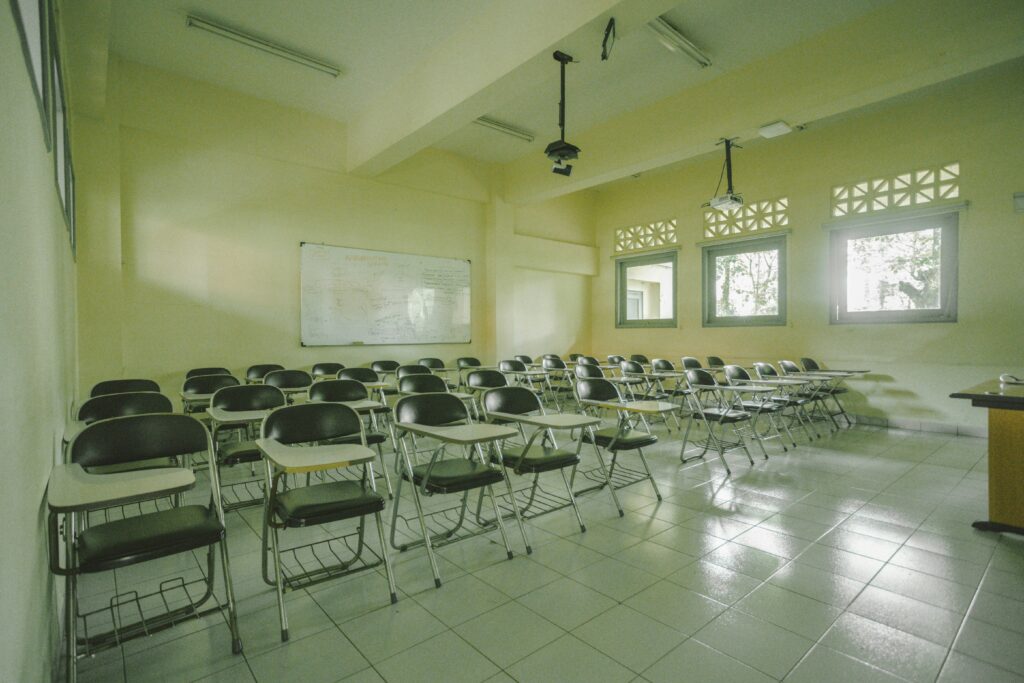
How can teachers balance high tech, low tech, and high tech in classrooms?
- Critical Thinking: tech balance is a life issue, not just a classroom issue. Be intentional about tech, by using your bodies, using your brains, encourage connection and collaboration
- How tech affects cognitive function: rapid eye movement fatigue, sensory overload, lack of attention/focus, lack of self-regulation with screens
- Tips: Only use tech when necessary/useful, use nature in combination with tech, teach digital literacy rather than passive consumption
Technology & Student Safety

How can we enhance student safety in modern classrooms?
- Security Systems: reduce bullying, theft, vandalism
- Pros: better school safety, faster emergency response times
- Cons: costly, lack of trust as students feel watched and not trusted, a feeling of being “policed”, tech problems
- Include: student and staff consent
- Emergency communication apps: Rave Panic Button, Crisis Go, UCSafety, SchoolGuard
- Pros: reduces confusion/miscommunication
- Cons: relies on internet which can fail, unequal access
- Tips: Train student and staff on how to use them
- Securly: teacher-friendly classroom management software (tracks student online activity, progress, see student screens)